AI Slide Generator

Turn Any Course Into
Delivery-Ready Slides

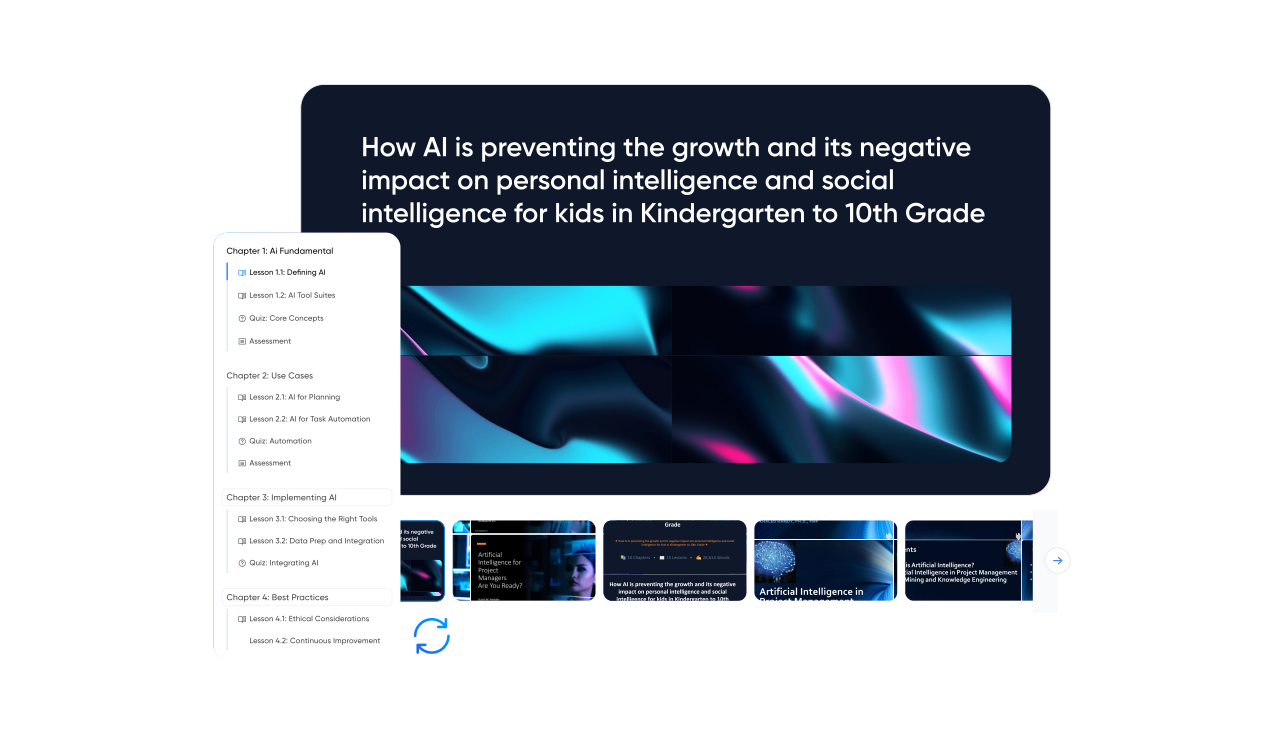
Vocaliv's Course-to-Slides Generator turns an existing course or uploaded pdf into a structured, branded, editable presentation deck. Customize the flow, then export the deck or deliver training directly from Vocaliv.
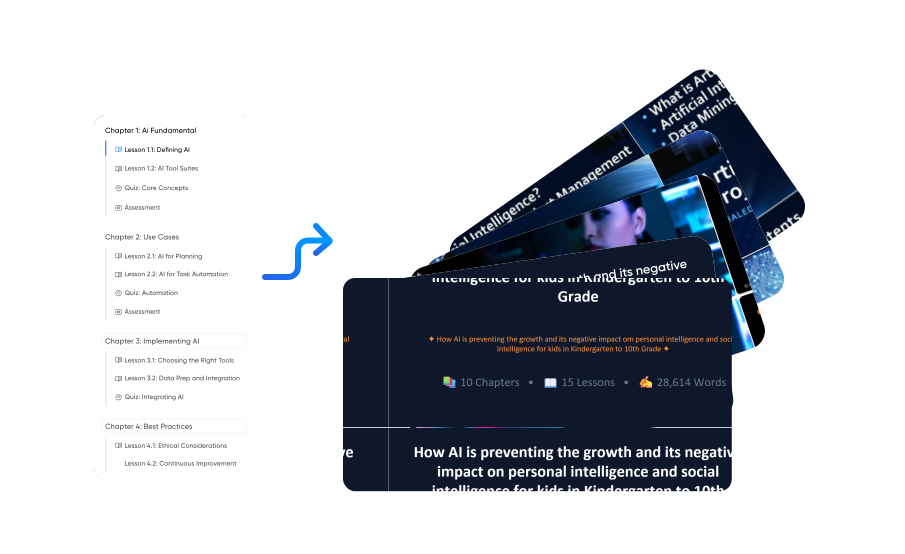
A branded slide deck generated from a Vocaliv course

What is Vocaliv's AI Slide Generator?

Vocaliv's AI Slide Generator is built for training providers that already have course content and need a presentation deck for delivery. Select an existing Vocaliv course or upload a PDF. Vocaliv analyzes the content, maps it into a consistent slide structure, generates headlines, key points, applies your branding, and gives trainers a fully editable deck.

Vocaliv mapping course content into a slide structure
Personalized Solutions

Convert Course Material to Slides Without the Rebuild

Built From Your Existing Course

Slides pull directly from the modules and lesson plans already inside Vocaliv. No re-writing content into a deck.

Consistent Structure Every Time

Every module produces the same slide flow: objectives, core concept, example, check for understanding. Delivery stops depending on who built the deck.

On-Brand Automatically

Your logo, colours, and fonts applied across every deck, so multi-trainer and multi-region programs look like one company.

Fully Editable Output

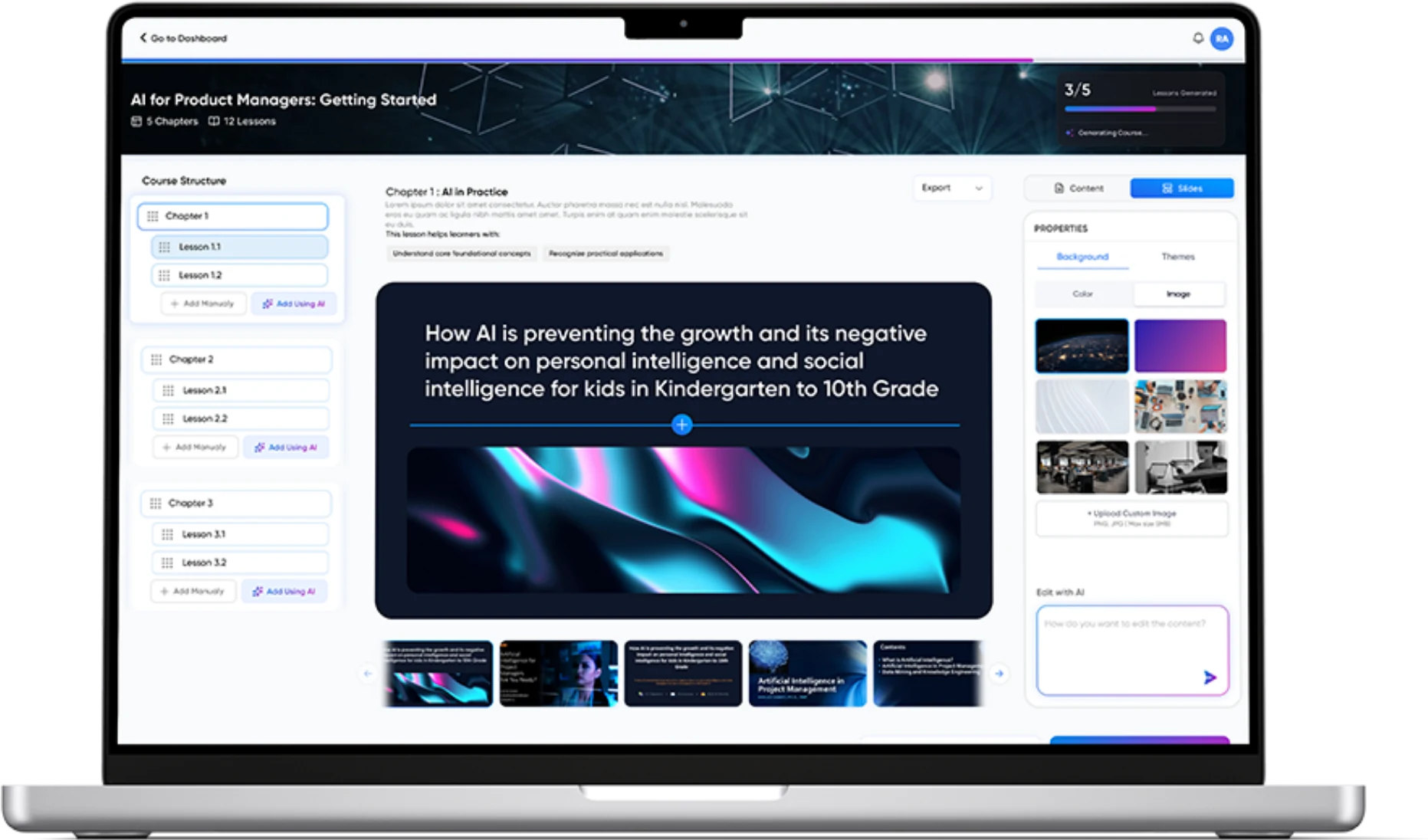
Export to PowerPoint, Google Slides, or PDF. Trainers adjust anything before they walk into the room.

Editing a generated slide deck in Vocaliv
Process

How It Works

Four steps take your existing training material from course content to a deck your trainers can present.

1

Select Your Course or Upload a PDF

Pick an existing Vocaliv course or drop in your training material.

2

AI Builds the Deck

Vocaliv maps your content into slides with headlines, key points, and speaker notes.

3

Customize the Flow

Reorder, trim, or expand any slide. Apply your template and branding in one click.

4

Export and Deliver

Download in your preferred format or share it straight to your trainers.

Stop Rebuilding Decks For Every Cohort

Manual
  • Copy course content into slides
  • Format the deck
  • Apply branding by hand
  • Rebuild when the course changes
  • Hand over a trainer-specific file
With Vocaliv
  • Select the existing course or PDF
  • Generate a structured deck
  • Customize it and apply branding
  • Export or present it
  • Regenerate from the updated course when material changes
FAQS

Frequently Asked Questions

Your Course Is Already Written. Turn it into a delivery-ready deck

Generate a structured, branded editable presentation from the training material you already have.

Chat with us 👋