SCORM Support

Create Training in Vocaliv. Deliver It Through Your Existing LMS.

Build or prepare the course in Vocaliv, then export it as SCORM 1.2 or SCORM 2004 for delivery through a compatible LMS. You can also import existing SCORM packages into Vocaliv when you need to bring legacy or client-provided learning content into the same workflow.

  • SCORM 1.2
  • SCORM 2004
  • Import + Export
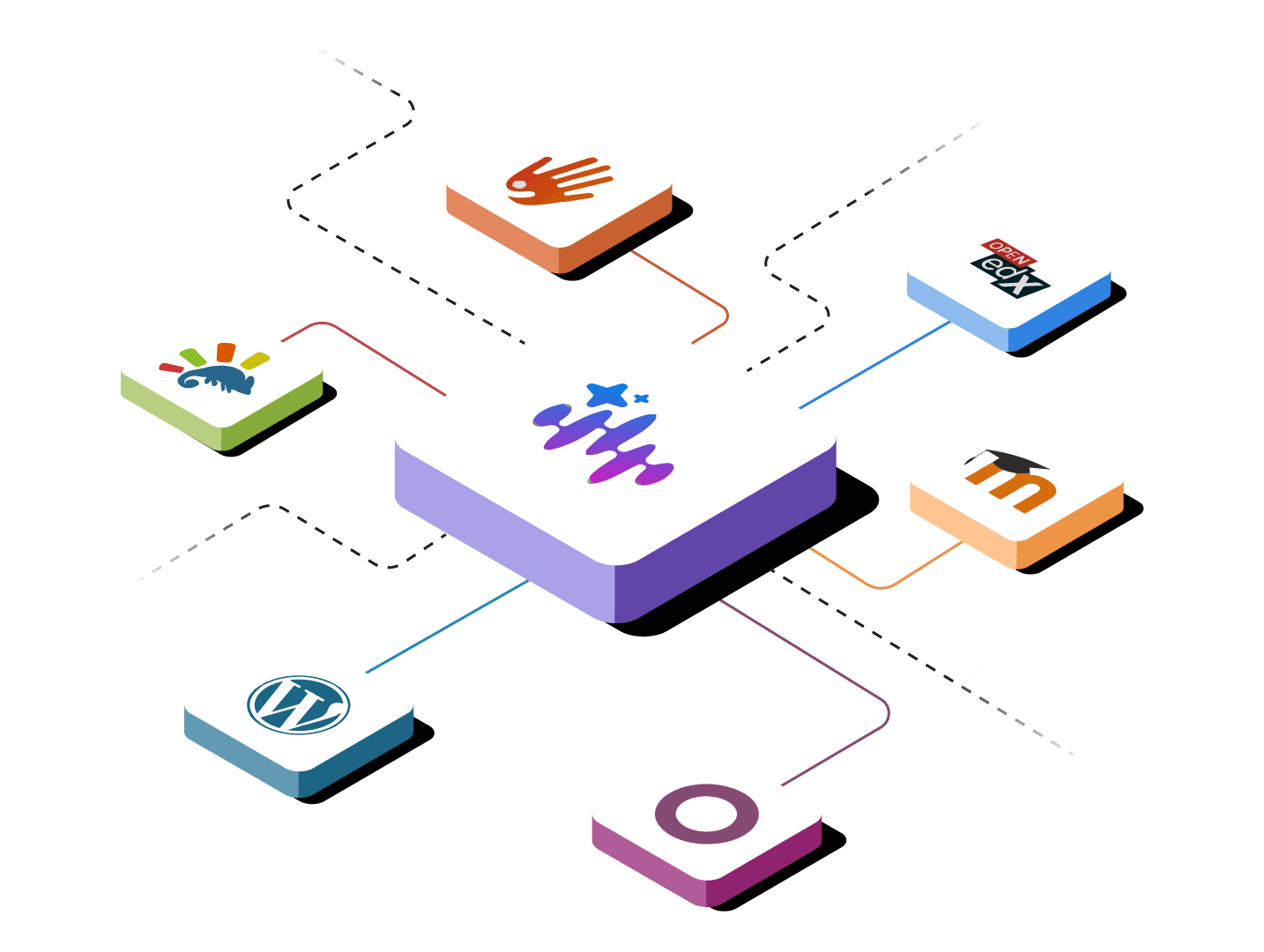
Vocaliv connected to Moodle, Open edX and other learning management systems

What is Vocaliv SCORM support?

Vocaliv's SCORM feature is an interoperability layer for moving training content between Vocaliv and existing learning management systems. Training providers and corporate L&D teams can import and export courses in SCORM 1.2 and SCORM 2004, so they can use Vocaliv for course creation and preparation while continuing to deliver training through the LMS their organization or client already uses.

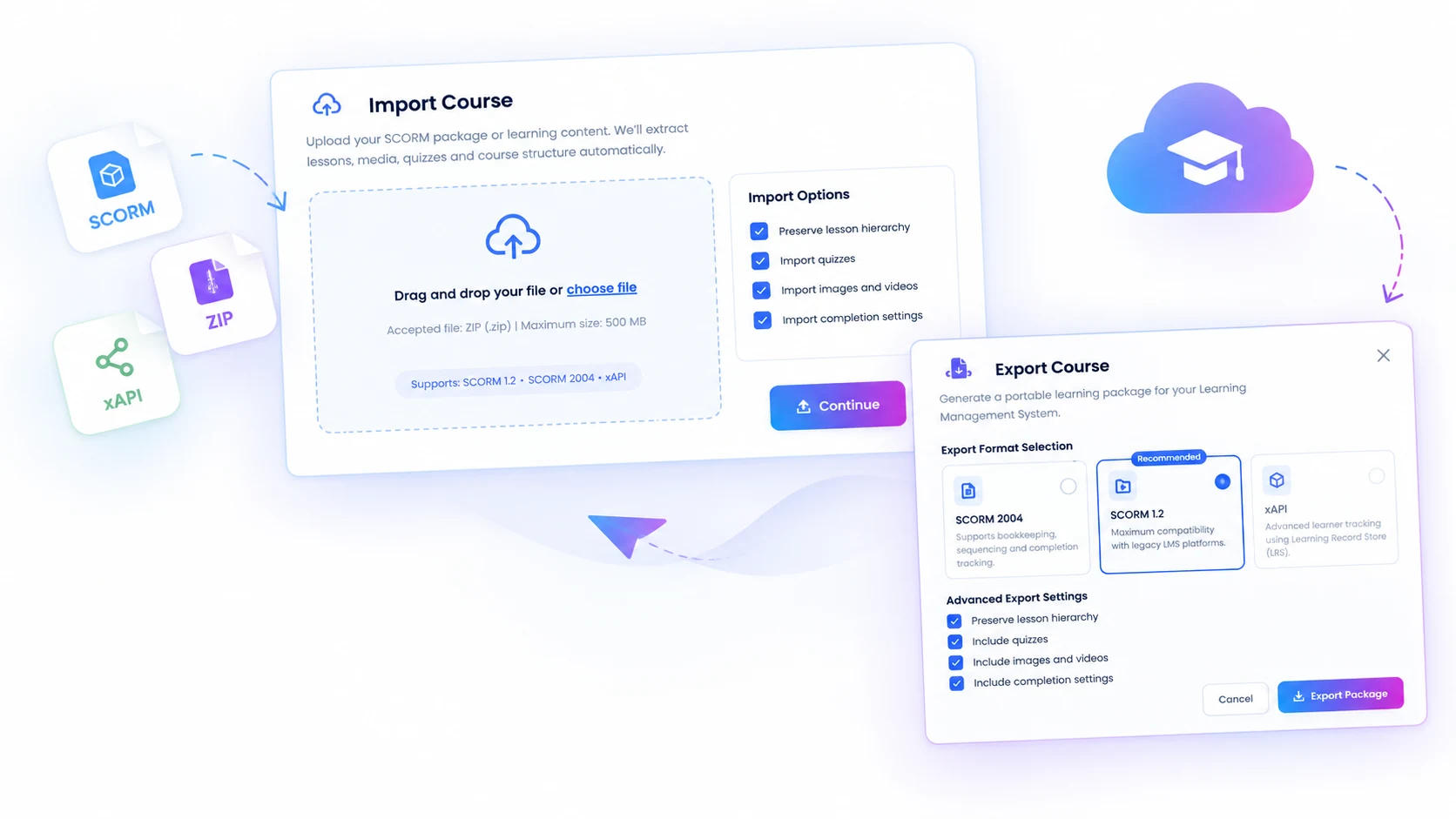
Vocaliv Import Course and Export Course dialogs moving SCORM 1.2, SCORM 2004 and xAPI packages

From source content to an LMS-ready SCORM package

Input
  • Existing Vocaliv course
  • PDFs, manuals, SOPs and source content
  • Existing SCORM package
  • Client or corporate LMS requirement
What Vocaliv Does
  • Structures and prepares the course in Vocaliv
  • Imports existing SCORM content into the workflow
  • Packages courses for SCORM 1.2 or SCORM 2004 export
  • Keeps the source course ready for review and updates
What You Get
  • SCORM package for a compatible LMS
  • Less duplicate rebuilding in each client system
  • Reusable course across delivery environments
  • Cleaner handoff to enterprise L&D teams

Build the course once. Package it for the LMS that needs it.

Five steps take a course from source material to a SCORM package that is ready to upload, test and deliver in the destination LMS.

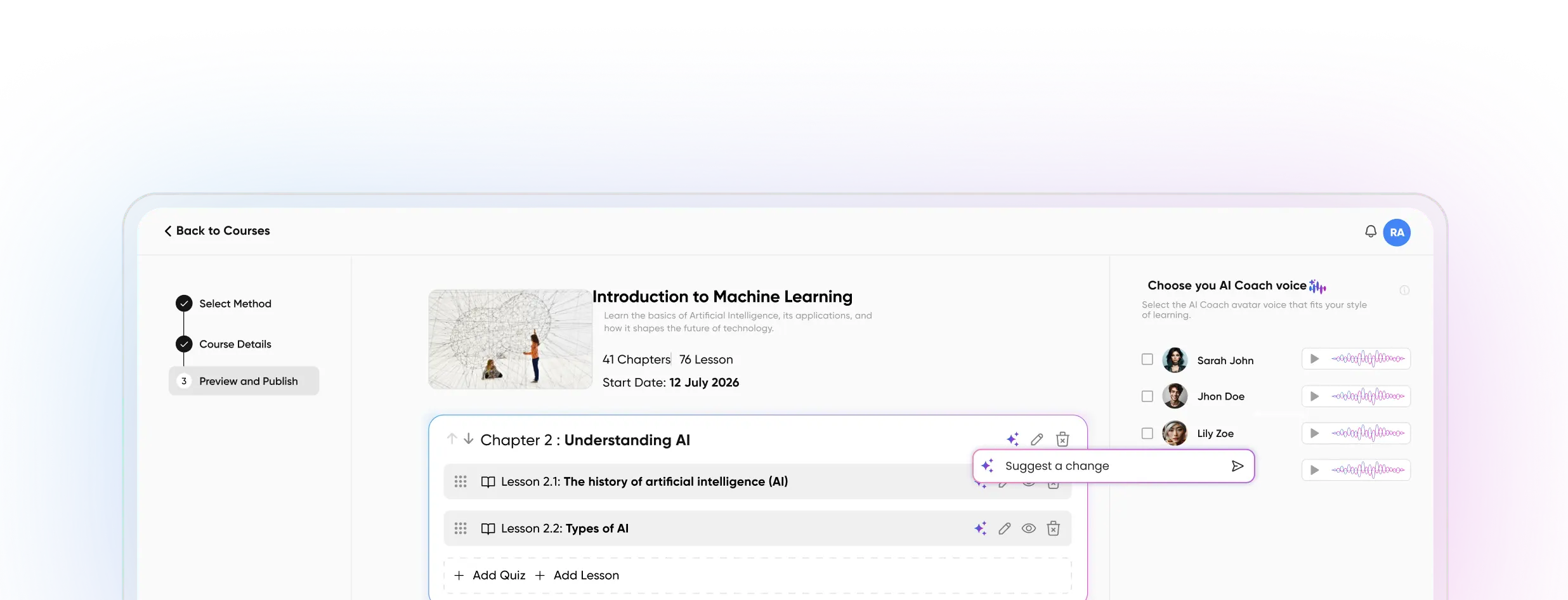
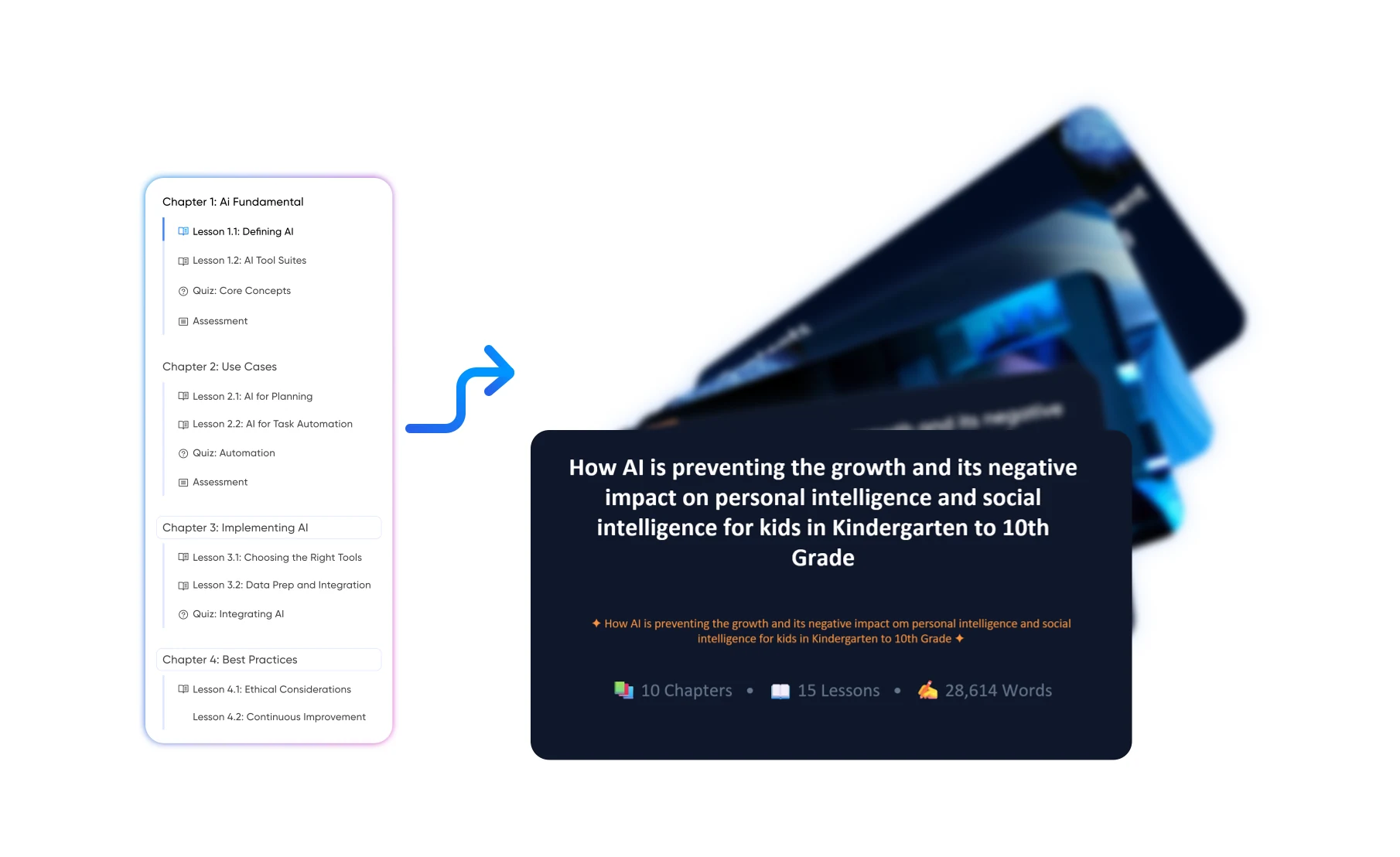
A course being created in Vocaliv from existing training materials
1

Create or import the course

Build from your existing training materials or start with a course already in Vocaliv. If you are bringing content in, use an existing SCORM package as the source.

2

Review and customize

Check the modules, lessons, assessments, terminology and branding before the course moves into the client or corporate LMS workflow.

3

Choose the SCORM version

Select SCORM 1.2 or SCORM 2004 based on the version supported or required by the destination LMS.

4

Export the package

Generate the SCORM package from Vocaliv so it is ready for upload into a compatible learning management system.

5

Upload, test and deliver

Add the package to the destination LMS, run a test learner through it, and confirm the behavior required for production delivery.

Keep the LMS. Improve the course workflow.

SCORM is useful when the destination LMS is already decided but the way the course is created, prepared, reused or handed off still needs to improve.

Enterprise client delivery

A corporate client requires training to live inside its existing LMS. Build or prepare the program in Vocaliv and provide it in the SCORM version the client accepts.

Corporate L&D teams

Keep the LMS of record while using Vocaliv to structure and prepare course content before it is published into the existing environment.

Multi-client training providers

Reuse a core course across multiple client accounts without manually recreating every lesson inside each client LMS.

Legacy SCORM libraries

Bring existing SCORM packages into the Vocaliv workflow when you need to work with training content that already exists in a standard e-learning format.

Procurement and RFP requirements

Meet client requirements that specify SCORM delivery without forcing a change to their broader learning technology stack.

Multi-region rollouts

Use the same approved source course as the basis for packages delivered into different LMS environments across teams, regions or client organizations.

Create once. Reuse without rebuilding from scratch.

  • Keep the course source in one authoring workflow instead of maintaining separate manual copies for every client.
  • Deliver into client LMS environments without making the client change its core learning system.
  • Reuse the same core program across different accounts while adapting content before export when needed.
  • Re-export after course updates instead of recreating the program from zero inside the LMS.
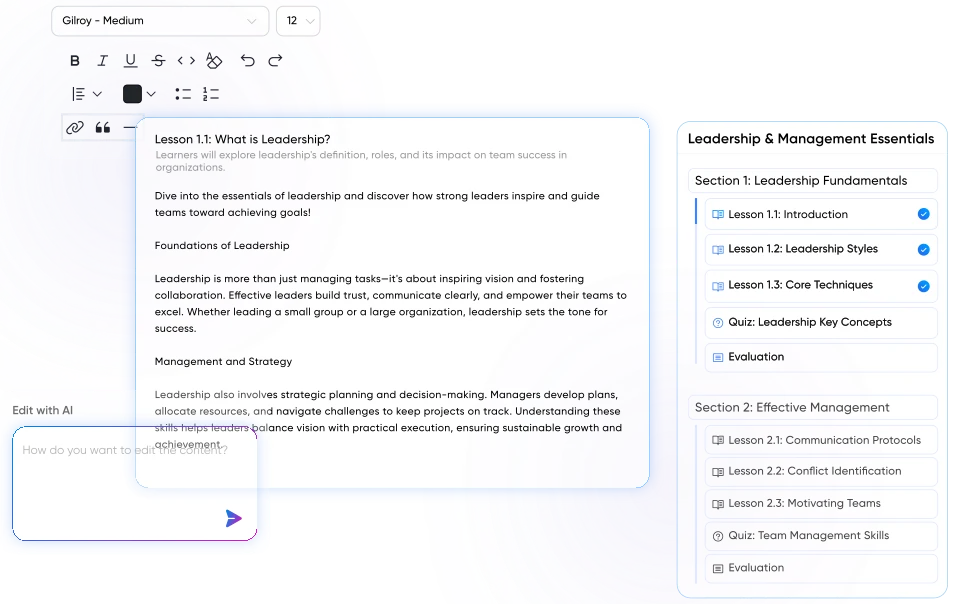
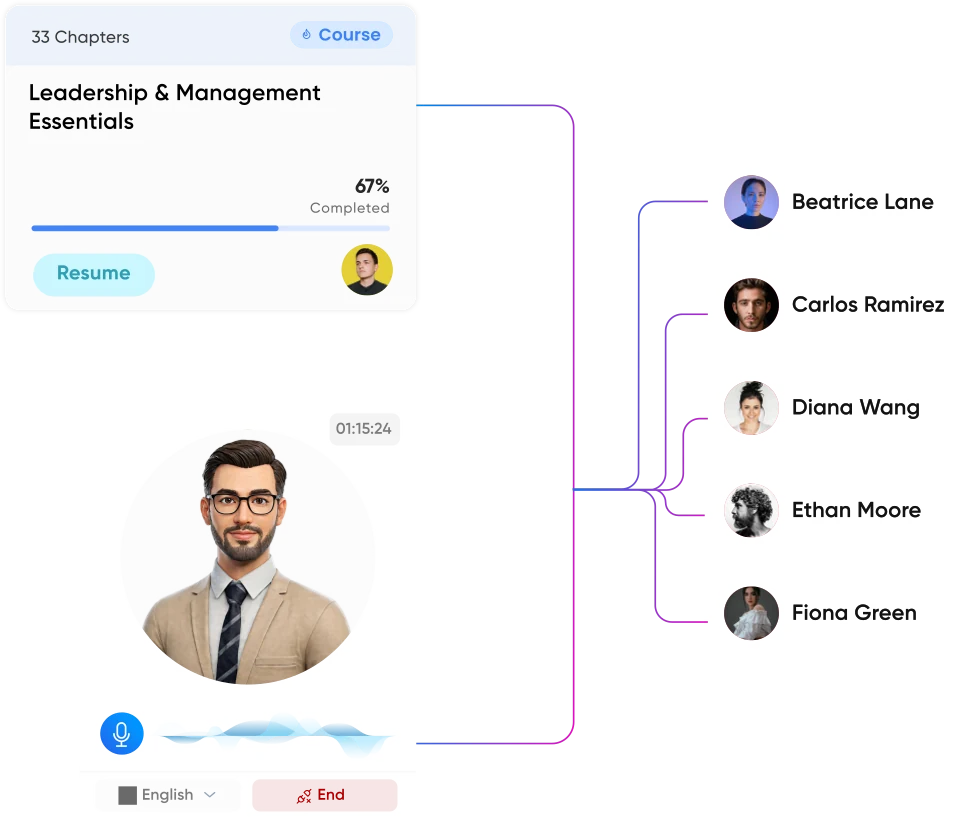
The same source course delivered to several client environments

SCORM standardizes the handoff. It does not make every LMS identical.

SCORM is a standard for packaging e-learning content and enabling communication between that content and a compatible LMS. It improves portability, but the destination LMS still controls its own catalog, enrollment rules, permissions, reporting interface and deployment process.

SCORM FAQ

SCORM questions training providers and L&D teams ask

Build in Vocaliv. Deliver in the LMS Your Client Already Uses.

Stop recreating the same course inside every client system. Build or prepare the program in Vocaliv, export it in the required SCORM format, and move it into the LMS workflow your organization already depends on.

Chat with us 👋