Communication Skills / Professional Development Course Template

Presentation Skills Training Template for Confident Public Speaking

Help employees plan, design and deliver presentations that are clear, engaging and memorable. Use this ready-to-customize training template to cover audience analysis, message structure, storytelling, slide design, voice and body language, managing nerves, handling questions and presenting effectively in virtual and hybrid settings.

Skills / Topics
  • Audience analysis
  • Key message
  • Structure
  • Storytelling
  • Slide design
  • Data visualization
  • Voice & pace
  • Body language
  • Managing nerves
  • Q&A handling
  • Virtual presenting
  • Rehearsal & feedback
Template Overview

Help employees turn ideas, data and updates into presentations that inform, persuade and inspire action, whether the audience is five colleagues or five hundred.

Presentations are often where ideas are approved, deals are won and teams are aligned, yet many capable professionals find them stressful. Common problems include unclear messages, overloaded slides, reading from notes, rushing through content and struggling with difficult questions. Most people need a simple, repeatable approach: know the audience, build one clear message, structure it well, practise the delivery and prepare for questions.

This template provides a practical foundation in presentation and public speaking skills. It covers understanding your audience and purpose, building a clear key message, structuring presentations and using storytelling, designing effective slides and data visuals, voice and vocal delivery, body language and presence, managing nerves, handling questions and challenging moments, and presenting confidently in virtual and hybrid formats.

Structure
8 modules
Audiences
5 workplace tracks
Scope
Message, slides, delivery & Q&A
Delivery
Fully customizable in Vocaliv
What's Included

What's Included in This Training Template

A suggested eight-module structure that can be adapted to your learners' experience levels, job roles, typical audiences, presentation formats and brand guidelines.

  1. Module 1

    Foundations of Effective Presentations: Audience, Purpose & Key Message

    Introduce what makes a presentation effective and why most fail through lack of focus rather than lack of content. Teach learners to analyze their audience, define a clear purpose, decide what they want people to think, feel or do afterwards, and condense their content into one key message they can state in a single sentence.

  2. Module 2

    Structuring Your Presentation & Using Storytelling

    Give learners simple, reusable structures for different presentation types, such as updates, proposals, pitches and training sessions. Cover strong openings, logical flow, signposting, memorable closes and calls to action, and show how stories, examples and analogies make content more engaging and easier to remember.

  3. Module 3

    Designing Clear Slides & Visuals

    Help learners create slides that support the speaker instead of replacing them. Cover one idea per slide, headline-style titles, reducing text, using images purposefully, presenting data clearly with simple charts, consistent design and accessibility considerations such as readable fonts and colour contrast, aligned to your brand templates.

  4. Module 4

    Voice, Pace & Vocal Delivery

    Build awareness of how voice affects impact and credibility. Cover volume, pace, pausing, emphasis, vocal variety and clarity, along with practical techniques to reduce filler words, avoid rushing, speak clearly for international audiences and use pauses to highlight key points.

  5. Module 5

    Body Language, Presence & Audience Engagement

    Teach learners how posture, eye contact, gestures, movement and facial expression influence how their message is received. Cover building rapport, reading the room, encouraging participation and keeping audiences engaged through questions, interaction and changes of pace.

  6. Module 6

    Managing Nerves & Building Confidence

    Help learners understand that presentation nerves are common and can be managed. Cover practical preparation habits, breathing and grounding techniques, reframing anxious thoughts, recovering from mistakes or losing your place and building confidence through regular, low-pressure practice. Learners experiencing severe or persistent anxiety may benefit from additional professional support.

  7. Module 7

    Handling Questions, Interruptions & Challenging Moments

    Prepare learners to handle Q&A with confidence: anticipating likely questions, listening fully, repeating or rephrasing, answering concisely and responding honestly when they do not know. Cover managing interruptions, dominant participants, hostile or off-topic questions, technical failures and running short on time.

  8. Module 8

    Virtual & Hybrid Presenting, Rehearsal & Continuous Improvement

    Bring the course together by adapting skills for video and hybrid formats, including camera position, lighting, audio, screen sharing, engaging remote audiences and using chat or polls. Close with effective rehearsal methods, timing, seeking feedback and building a personal plan for continued improvement.

Why Your Team Needs Presentation & Public Speaking Skills Training

Give employees a simple, repeatable approach to presentations so they can share ideas clearly, influence decisions and represent your organization with confidence.

Get ideas understood and approved

Help employees focus on one clear message and a logical structure, so audiences quickly understand what is being proposed and why it matters.

Make presentations more engaging and memorable

Use storytelling, clear visuals and confident delivery to hold attention and make key points stick long after the presentation ends.

Reduce presentation anxiety

Give employees practical techniques and structured practice that reduce nerves and build lasting confidence in front of any audience.

Handle questions and challenges with confidence

Prepare employees to respond calmly and credibly to difficult questions, interruptions and unexpected situations.

Present a consistent, professional image

Improve the quality of internal updates, client pitches and external talks so every presentation reflects well on your team and organization.

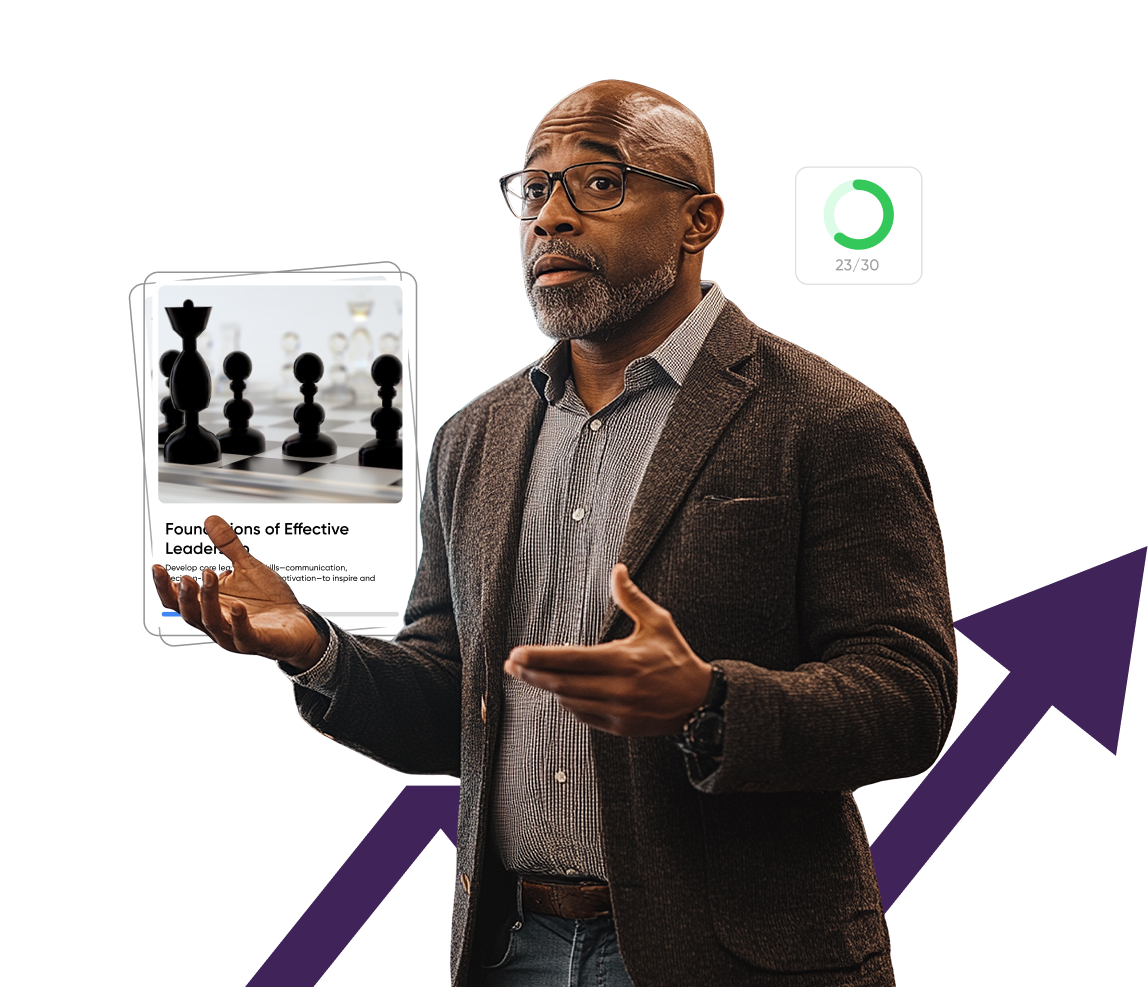
A presenter speaking confidently with open gestures, beside a Vocaliv course card and a rising progress arrow
Learning Outcomes

What learners will be able to do

By the end of the training, learners should be able to:

  • Analyze an audience and define a clear purpose and single key message for a presentation.
  • Structure presentations with a strong opening, logical flow, effective storytelling and a clear call to action.
  • Design clear, accessible slides and simple data visuals that support rather than distract from the spoken message.
  • Use voice, pace, pauses, body language and eye contact to deliver with clarity, credibility and presence.
  • Apply practical techniques to manage nerves, recover from mistakes and present with greater confidence.
  • Anticipate and handle questions, interruptions and challenging moments calmly and professionally.
  • Adapt presentation delivery for virtual and hybrid audiences and use rehearsal and feedback to keep improving.
Customize by Role

Customize the Training by Workplace Role

Use one core presentation skills template, then emphasize the audiences, formats, stakes and level of responsibility each group is likely to encounter.

AudienceWhat to emphasize
Early-career / new presentersAudience and purpose basics, simple structures, slide fundamentals, voice and body language, managing nerves, short practice presentations and building confidence step by step.
Managers / team leadsTeam updates, communicating change, running engaging meetings, presenting performance data, motivating teams and handling difficult questions from staff.
Sales & business development teamsClient pitches, persuasive storytelling, product demonstrations, handling objections, reading the room, virtual sales presentations and strong calls to action.
Technical & subject-matter expertsSimplifying complex content, presenting data clearly, avoiding jargon, tailoring depth to non-specialist audiences and answering technical questions concisely.
Senior leaders / executivesExecutive presence, strategic messaging, town halls and large audiences, board and investor presentations, media-style Q&A and communicating vision with impact.
Customize With Vocaliv

Customize This Presentation & Public Speaking Template With Vocaliv

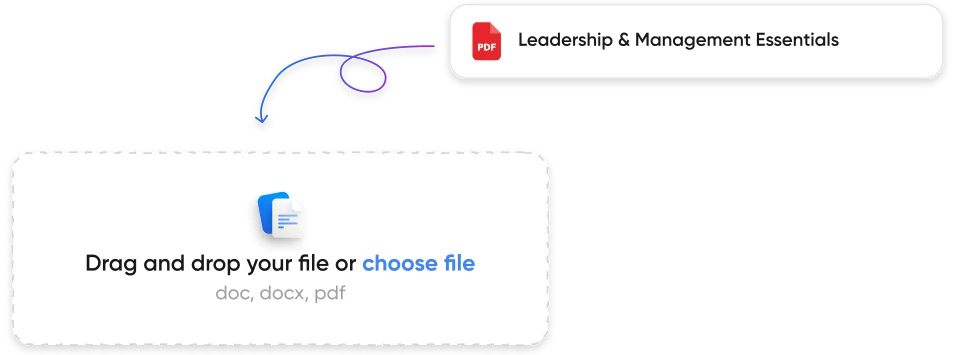
Start with the core presentation skills structure, then replace generic examples with your brand templates, typical audiences, presentation formats and real workplace scenarios.

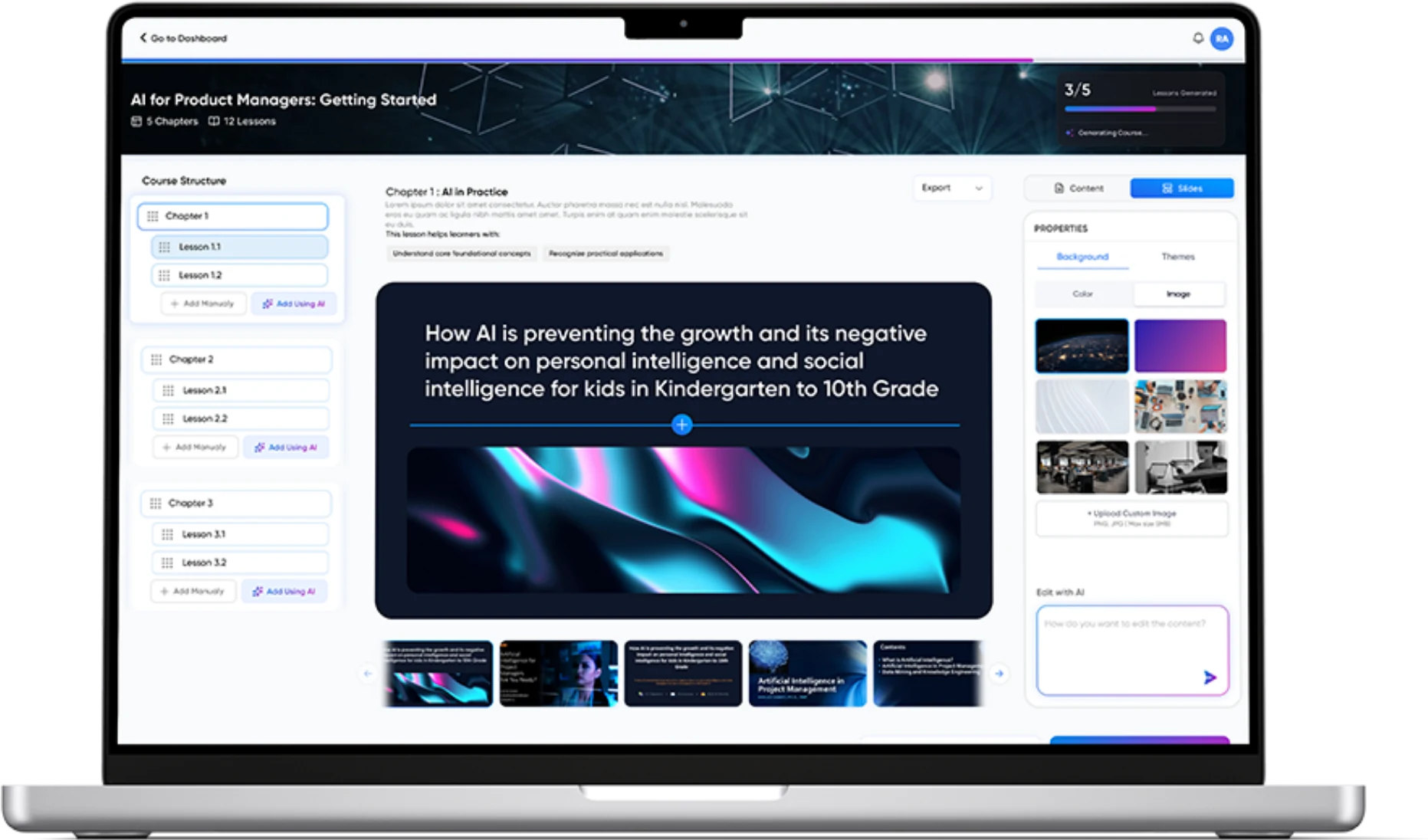
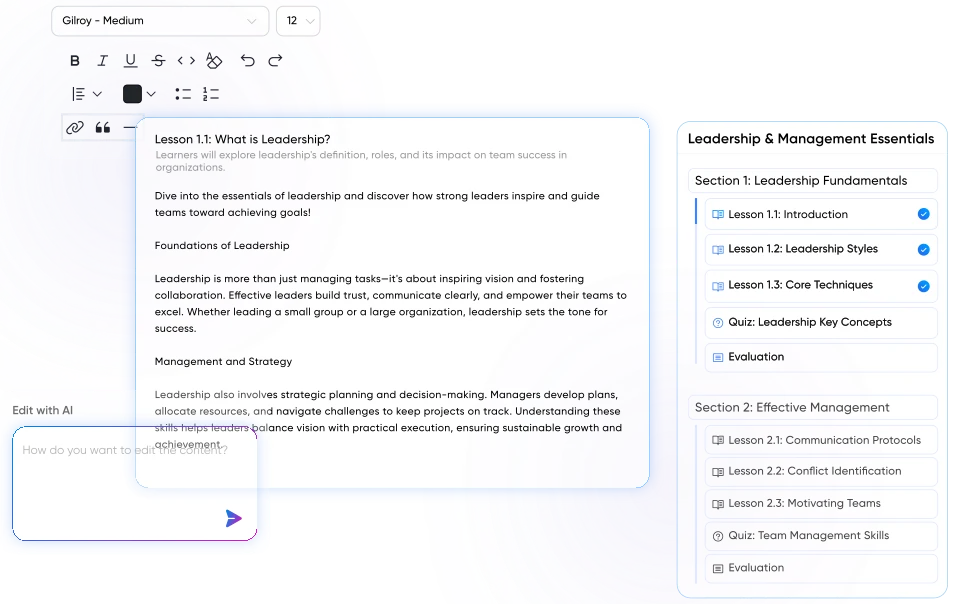
The Vocaliv course editor with the template's modules being adapted to the organization's slide templates and brand guidelines
1

Align the course to your brand and presentation standards

Add your organization's slide templates, brand guidelines, tone of voice, accessibility standards and examples of strong internal or client-facing presentations.

2

Add realistic scenarios from your workplace

Use approved examples based on presentations employees actually give - for example project updates, budget requests, client pitches, team briefings, conference talks or training sessions.

3

Generate knowledge checks and practice tasks

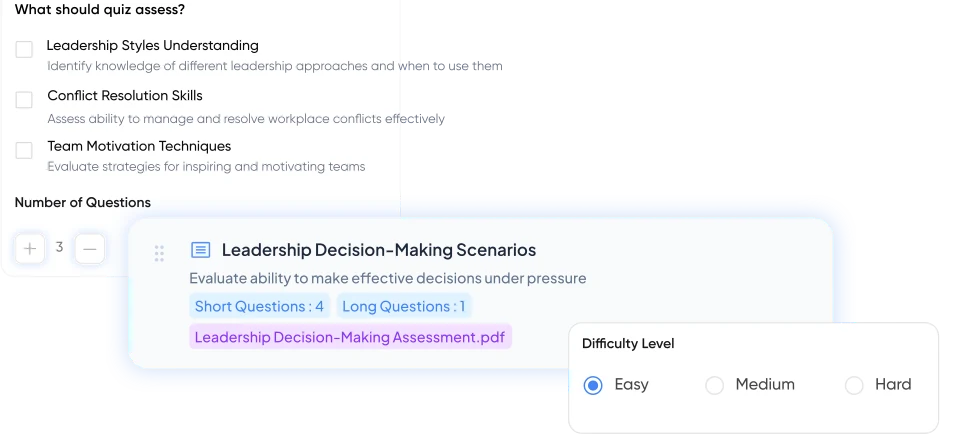
Create short assessments and exercises around audience analysis, key messages, structure, slide redesign, delivery techniques and handling difficult questions.

4

Turn the course into presentation-ready slides

Prepare an instructor-led version for communication skills workshops, leadership programmes, sales training or graduate development sessions.

5

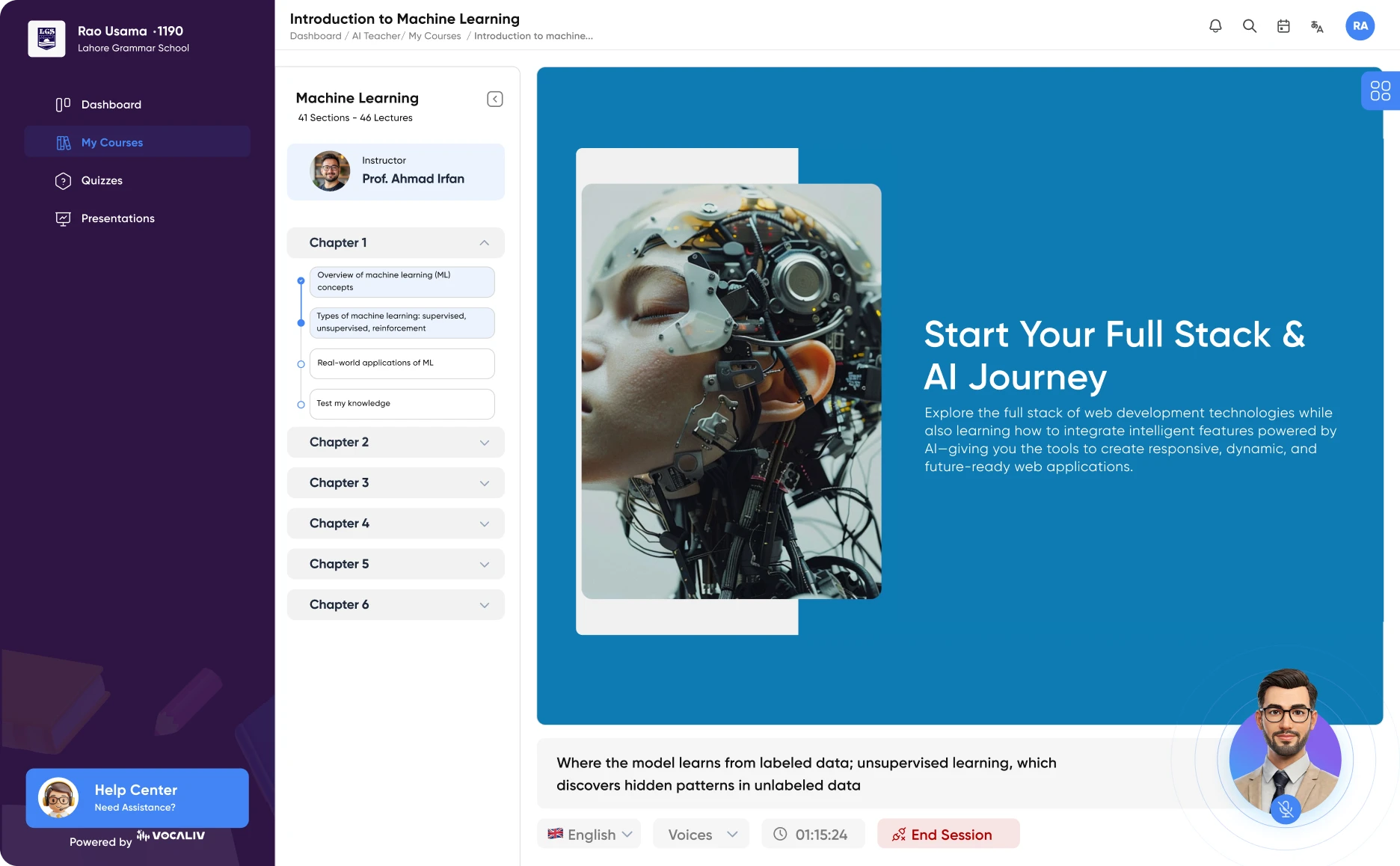
Use Vocaliv AI Coach where appropriate

Let learners plan presentations and ask questions based on the approved training content and standards you provide. The AI Coach can support preparation and reinforcement, but it should not replace live practice, audience feedback or coaching from an experienced trainer.

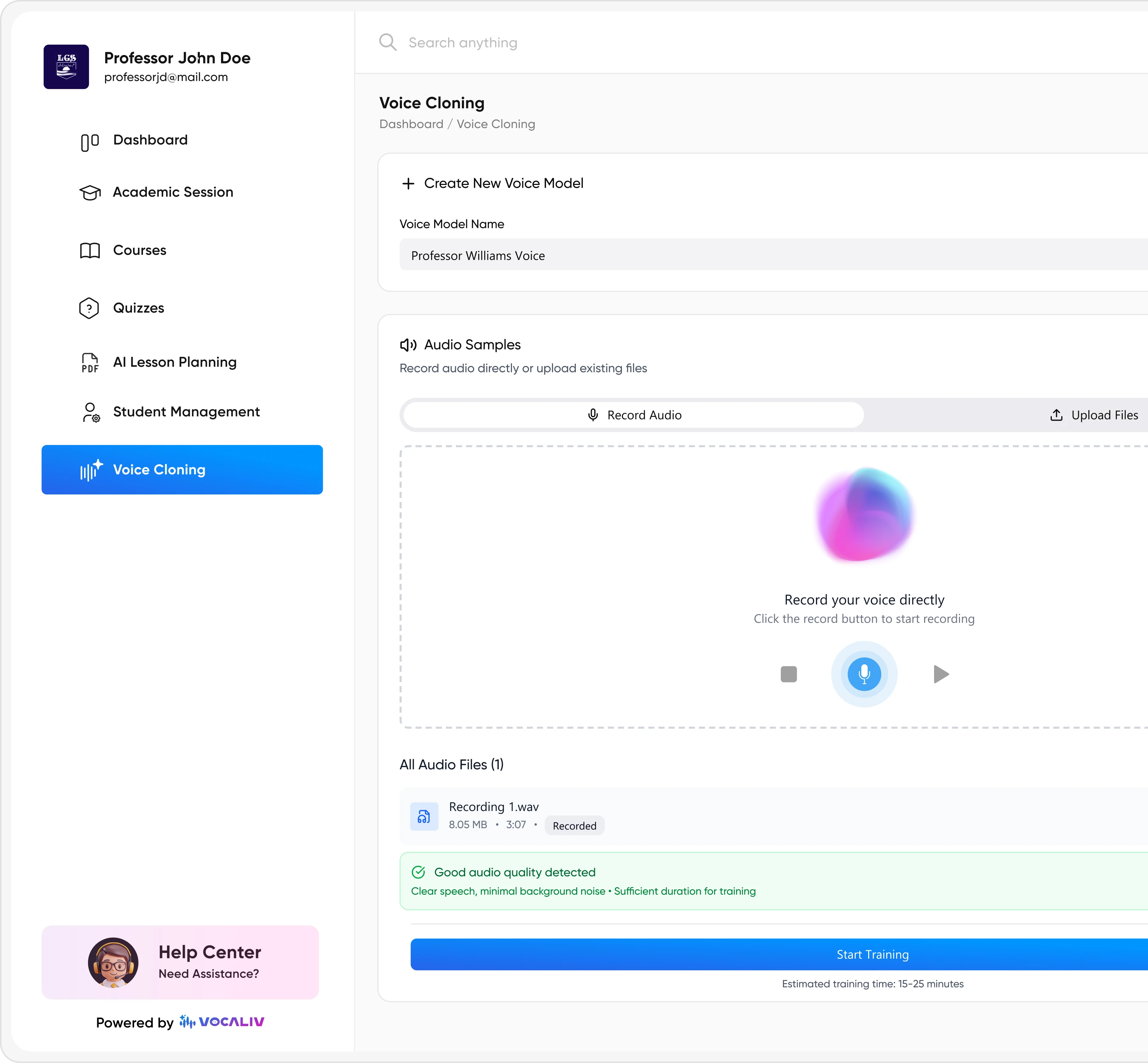
6

Use your trainer's voice

Where appropriate, voice cloning can help deliver AI-assisted course content in a familiar communication coach, leadership trainer or training facilitator voice.

FAQ

Frequently Asked Questions

Help Your Team Present With Clarity, Confidence and Impact

Start with a structured presentation skills training template, add your own brand templates, audiences and real workplace scenarios, and give employees a practical framework for building clear messages, designing better slides and speaking with confidence.

Chat with us 👋