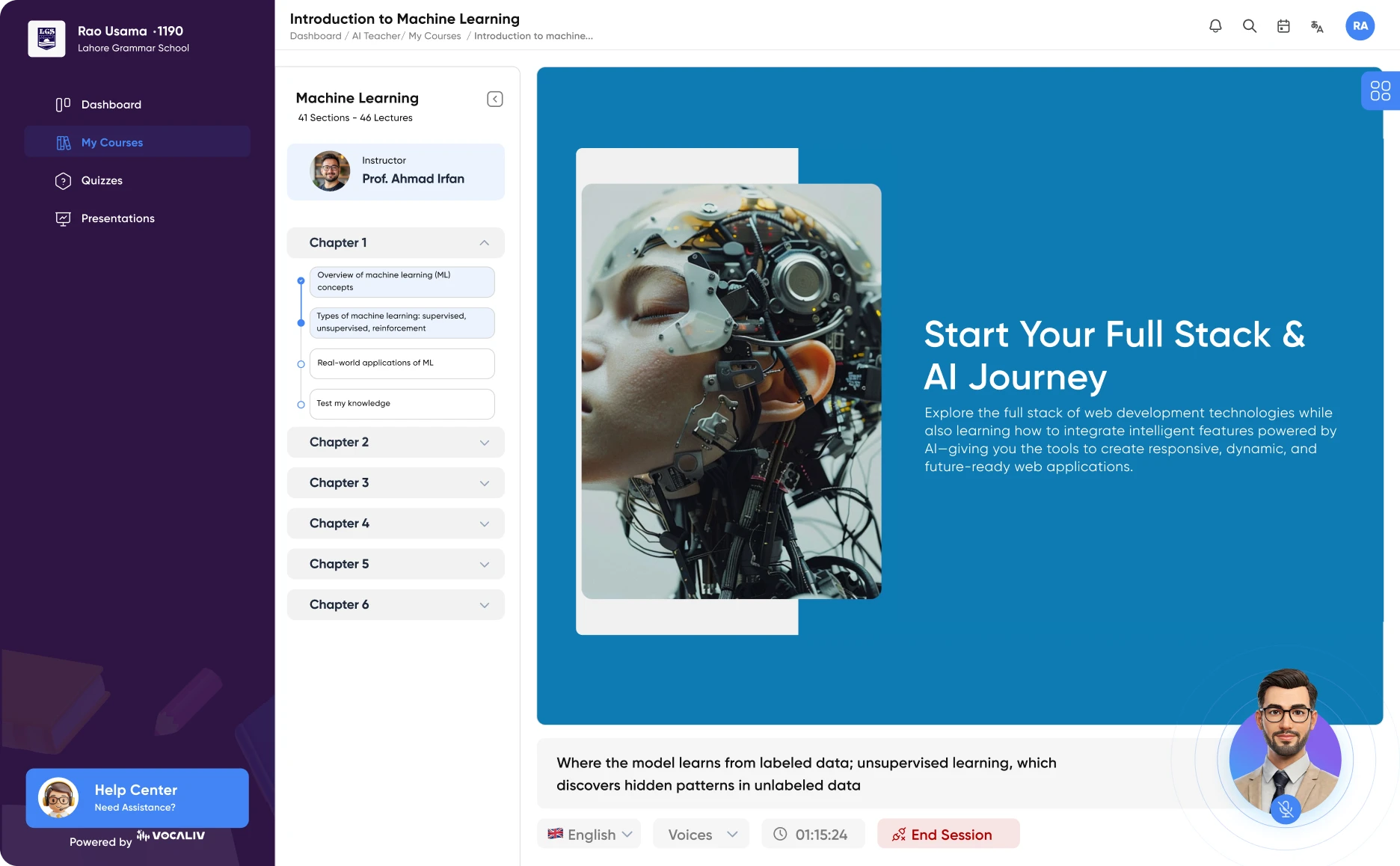
Give employees the everyday habits they need to recognize cyber threats and protect your organization's people, systems and data. Use this ready-to-customize training template to cover phishing and social engineering, passwords and multi-factor authentication, safe browsing, data handling, device and remote-work security, safe use of AI and cloud tools, and incident reporting.
Most cyber incidents start with an ordinary moment: a convincing email, a reused password, an unlocked laptop or a file shared with the wrong person. Technology controls matter, but employees are often the first line of defence. People need simple, memorable habits: pause before clicking, verify unusual requests, protect accounts and data, and report anything suspicious straight away.
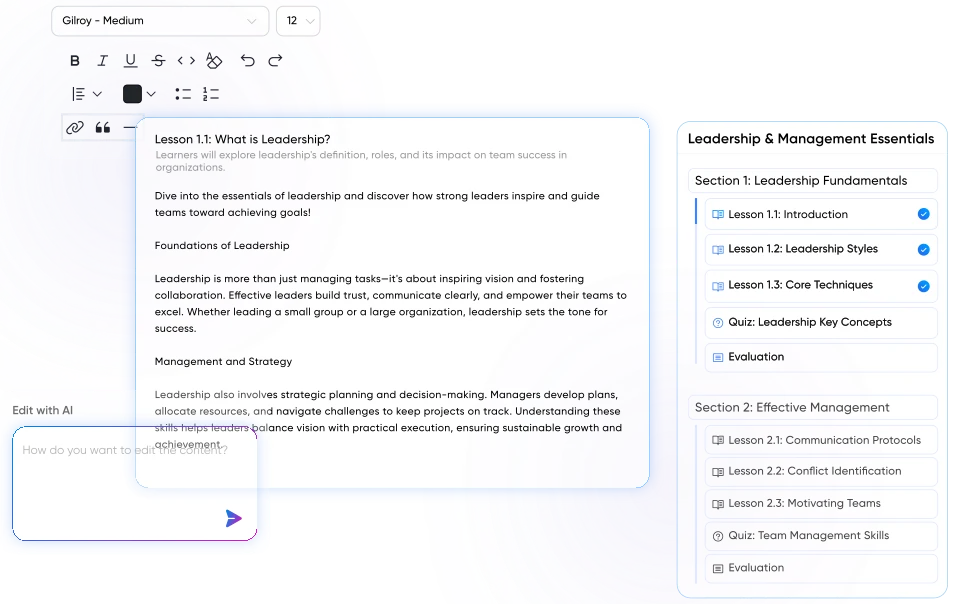
This template provides a practical foundation for cybersecurity awareness across your workforce. It covers why cybersecurity matters and how attackers operate at a high level, phishing and social engineering, passwords and multi-factor authentication, safe browsing and email practices, data classification and handling, device, remote-work and public Wi-Fi security, safe use of AI tools, cloud apps and social media, and how to recognize and report security incidents.
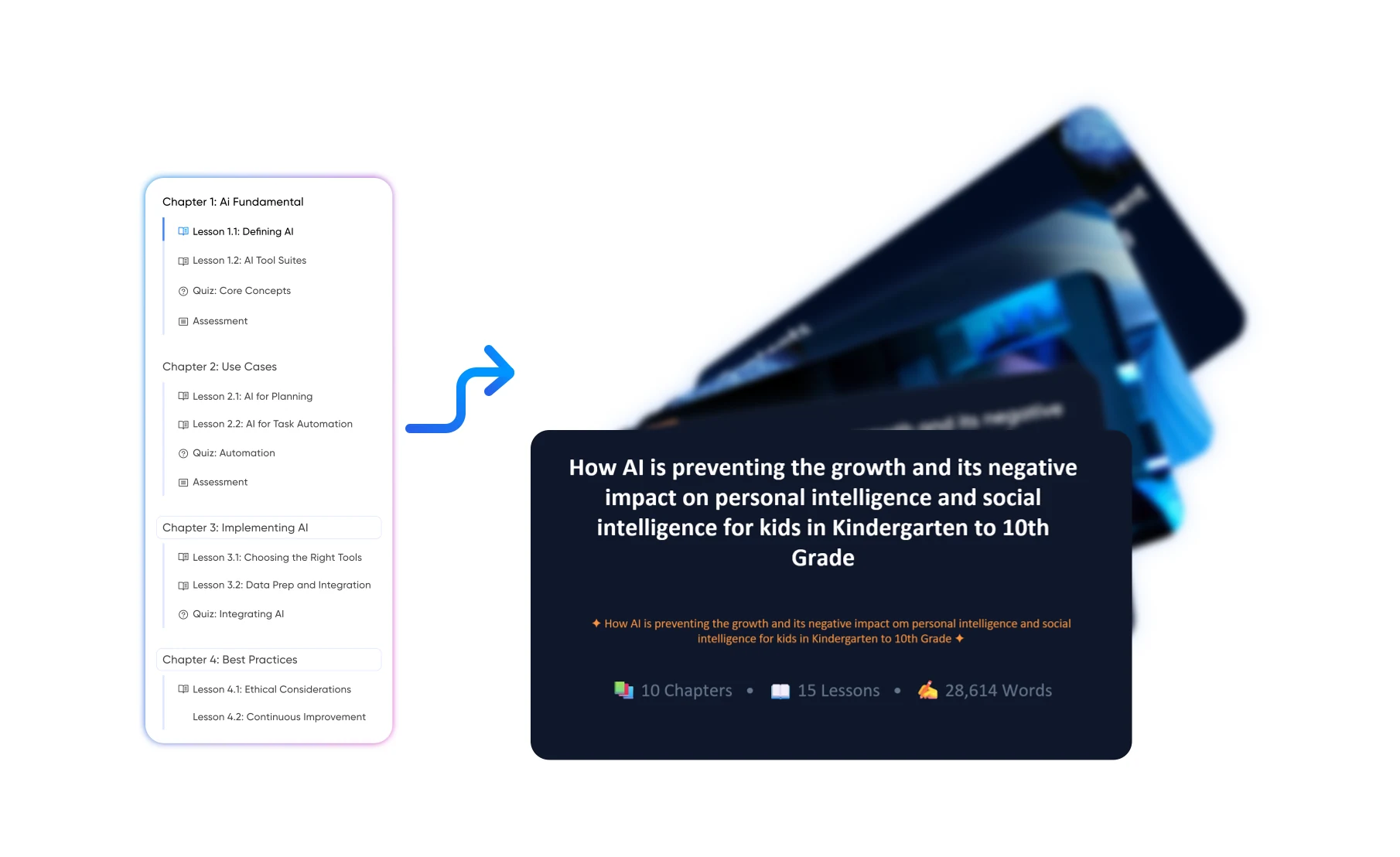
A suggested eight-module structure that can be adapted to your security policies, technology environment, workforce, regulatory obligations and internal reporting procedures.
Introduce the most common threats organizations face, including phishing, ransomware, account takeover, fraud and data breaches, and the real impact they can have on operations, customers and reputation. Explain that cybersecurity is a shared responsibility and that everyday employee behaviour plays a critical role alongside technical controls.
Help learners recognize common warning signs in emails, text messages, phone calls and messaging apps, such as urgency, unexpected attachments, mismatched sender details and requests for credentials, payments or confidential information. Build the habit of pausing, verifying requests through a trusted channel and reporting suspicious messages rather than engaging with them.
Teach learners how to create strong, unique passphrases, why password reuse is risky and how approved password managers can help where your organization provides them. Explain the value of multi-factor authentication, how to respond to unexpected login prompts and why authentication codes should never be shared with anyone.
Build awareness around risky websites, malicious downloads, fake software updates, suspicious links and unknown USB devices. Cover how to check links before clicking, use only approved software and storage, keep systems updated and follow your organization's acceptable use policy.
Help learners understand the types of information your organization holds and how each should be handled, stored, shared and disposed of. Cover personal data, customer and financial information, intellectual property and confidential documents, aligned to your data classification scheme and applicable privacy regulations.
Cover practical security habits for laptops, phones and other devices, including screen locking, updates, encryption where provided and reporting lost or stolen equipment. Address the specific risks of working from home, travelling and using public Wi-Fi, including shoulder surfing, unsecured networks and using personal devices for work.
Explain how new tools introduce new risks, such as entering confidential information into unapproved AI tools, using unsanctioned cloud apps or oversharing work details on social media. Cover how attackers use public information and AI-generated content, including deepfake voices or messages, to make scams more convincing.
Bring the course together by showing learners what counts as a security incident, why fast reporting matters and exactly how to report through your organization's channels. Reinforce that employees should report mistakes such as clicking a suspicious link immediately, without fear of blame, and should not attempt to investigate or fix incidents themselves.
Give employees simple, memorable security habits so they can spot threats, protect data and act quickly when something looks wrong.
Help employees recognize suspicious messages and unusual requests, and build the habit of verifying before they click, pay or share information.
Encourage strong passphrases, multi-factor authentication and safe login habits that make it harder for attackers to take over accounts.
Make sure employees know how to handle, share and store information safely in the office, at home, while travelling and in cloud tools.
Create a culture where employees report concerns and mistakes immediately, giving security teams the best chance to contain incidents early.
Demonstrate that employees understand your security policies and obligations, supporting regulatory requirements, audits and customer expectations.

By the end of the training, learners should be able to:
Use one core cybersecurity template, then emphasize the threats, systems, data and level of responsibility each audience is likely to encounter.
| Audience | What to emphasize |
|---|---|
| General office / administrative staff | Phishing recognition, password and MFA habits, safe browsing, data handling basics, screen locking, clean desk practices, approved tools and how to report incidents. |
| Managers / team leads | Reinforcing secure behaviour, approving access requests, handling sensitive team data, supporting incident reporting without blame, onboarding and offboarding security steps. |
| Finance, HR & executive assistants | Payment and invoice fraud, business email compromise, impersonation of executives, verification of bank-detail changes, protection of employee and financial records. |
| Remote, hybrid & travelling workers | Home network security, public Wi-Fi risks, device protection, personal-device use, secure file sharing, shoulder surfing and reporting lost or stolen equipment. |
| Customer-facing & frontline staff | Phone and in-person social engineering, verifying customer identity, protecting customer data, shared-device security and recognizing suspicious requests. |
Start with the core cybersecurity structure, then replace generic guidance with your security policies, approved tools, reporting channels, data rules and real workplace scenarios.

Add your information security policy, acceptable use policy, password and MFA requirements, data classification scheme, approved tools and the contact details or channel for reporting incidents.
Use approved examples based on threats your employees actually face - for example fake invoices, delivery scams, executive impersonation, credential-harvesting pages, suspicious calls or lost devices.
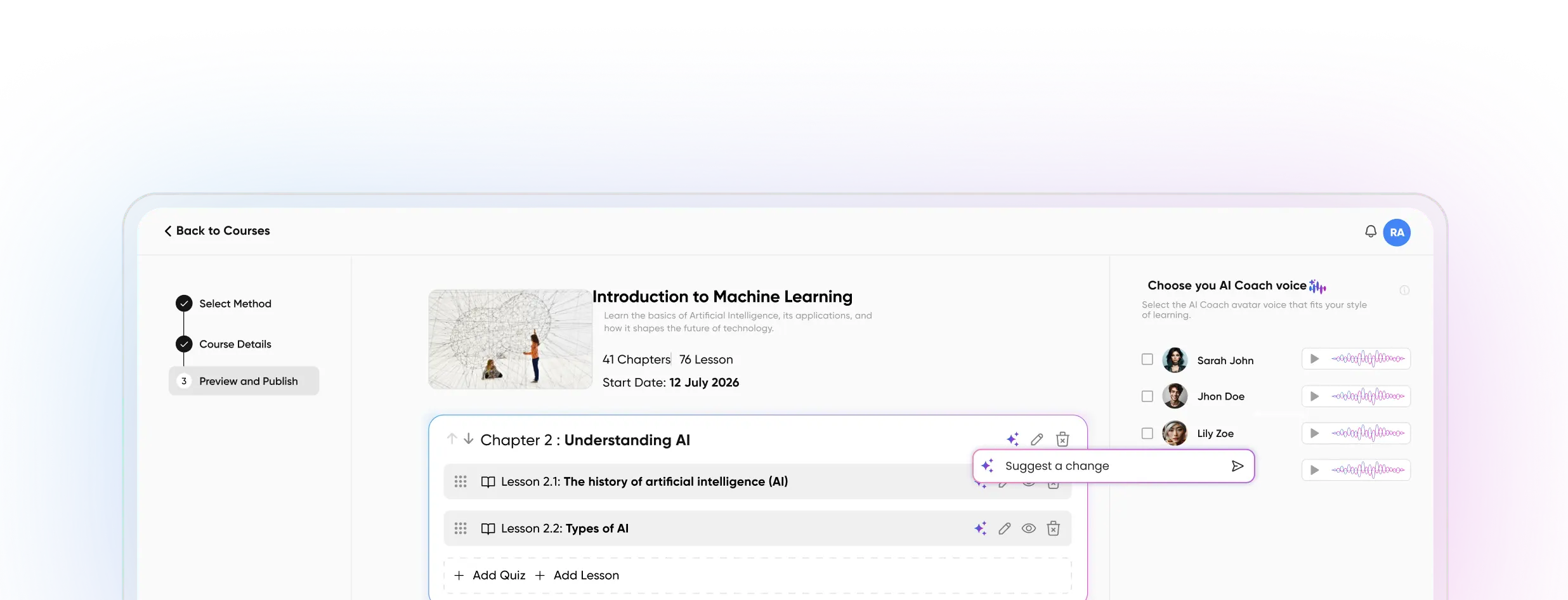
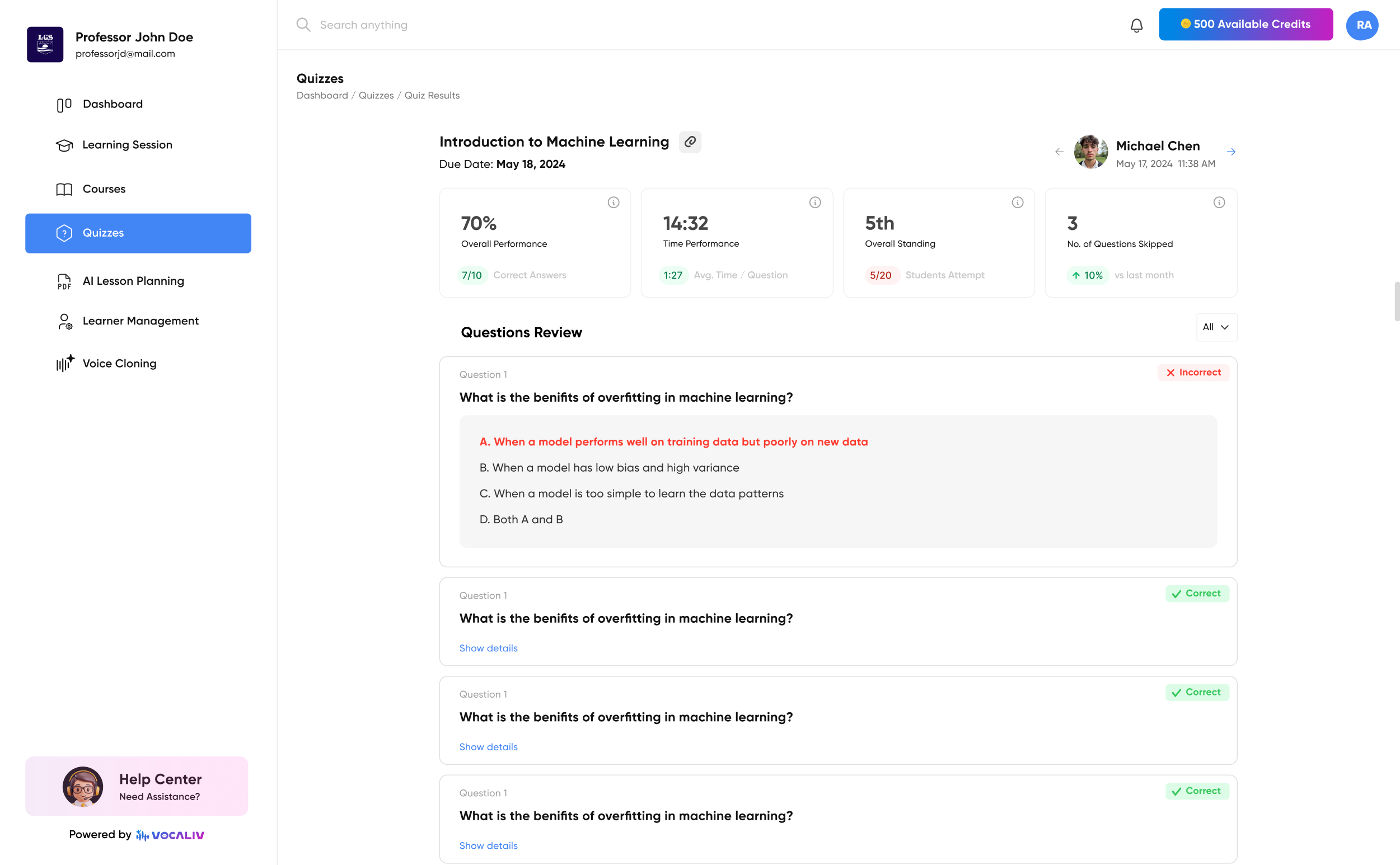
Create short assessments around identifying phishing, verifying requests, password and MFA practices, data handling decisions, remote-work security and incident reporting.
Prepare an instructor-led version for employee induction, annual security refreshers, team briefings or security awareness month activities.
Let learners ask questions based on the approved training content and security policies you provide. The AI Coach can support learning and reinforcement, but it should never be used to investigate live incidents, assess whether a real message is safe or replace your IT or security team's guidance.
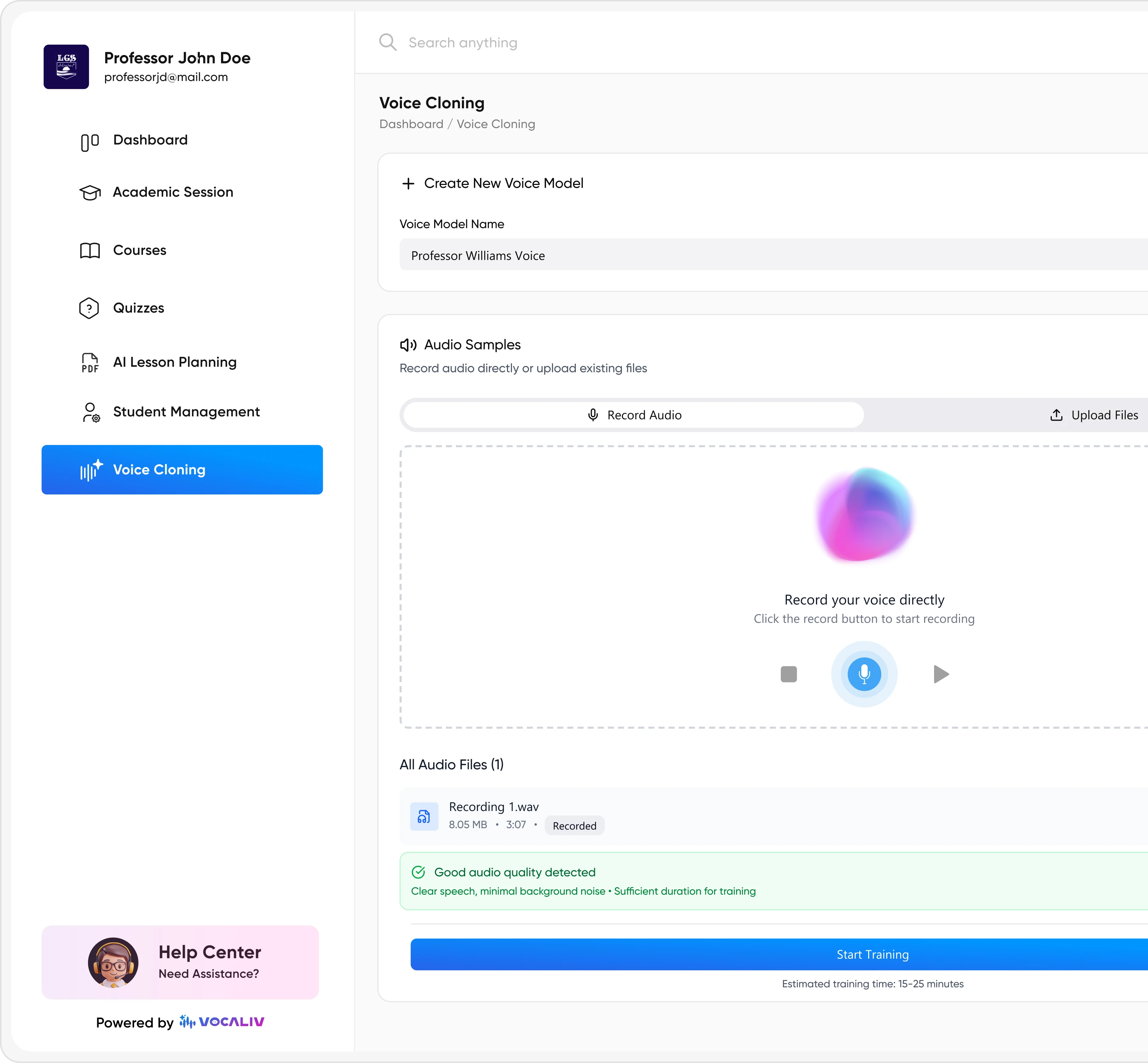
Where appropriate, voice cloning can help deliver AI-assisted course content in a familiar IT, information security or training facilitator voice.
Start with a structured cybersecurity awareness training template, add your own security policies, approved tools and real threat scenarios, and give employees a practical framework for spotting risks, protecting data and reporting incidents quickly.